In this post
- The chain
- What is an HVAC CRM, exactly?
- What an HVAC CRM should track
- HVAC equipment history: the differentiator
- The customer 360
- Finding replacement opportunities in your own records
- Follow-up is what the data is for
- CRM or field service management?
- Features checklist
- Implementation, in the order that works
- Frequently asked questions
- Try it
- Keep reading
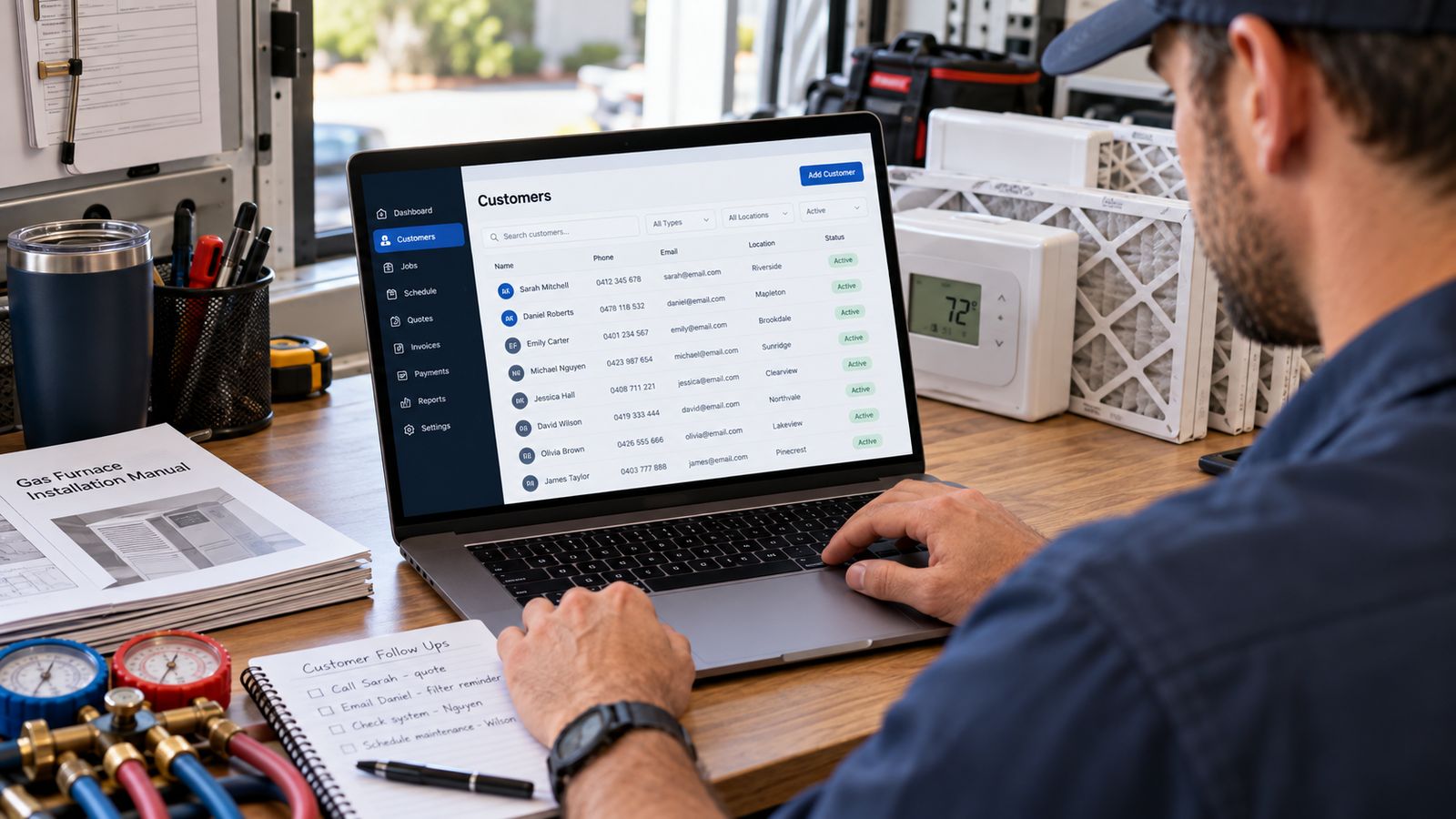
A customer rings and says the air conditioning has stopped working again.
Before anyone can help, four questions need answering. Which property (do they own more than one? Which system) is this the one in the loft or the one that serves the extension? What did we do last time, and did we recommend something they declined? Is any of it still under warranty?
In most HVAC companies those answers exist. They are on a job sheet in a filing cabinet, in a technician's memory, in an email thread, on a spreadsheet tab someone maintains, and in a photograph of a nameplate on a phone that has since been replaced.
That is the problem an HVAC CRM solves. Not "managing contacts": every business has a way of storing a phone number. The problem is that the useful record is a chain, and generic software breaks the chain at the first link.
The chain
Customer
   ↓  may own several
Property
   ↓  each contains
Equipment
   ↓  each accumulates
Service history
   ↓  which produces
Estimates · Communication · Follow-up · The next opportunity
Read that as a sentence: this person owns these properties, which contain these systems, which have this history, which is why we are having this conversation.
A generic CRM stores the top line. A field service platform usually stores the middle. Very few things hold the whole chain, and the whole chain is what an office needs when the phone rings.
Open the interactive demo → A complete book of business for a fictional contractor, twenty-six customers, their properties, their equipment and years of service history. No signup.
What is an HVAC CRM, exactly?
Three categories get conflated, so it is worth separating them.
| Generic CRM | HVAC CRM | Field service management | |
|---|---|---|---|
| Built for | Sales pipelines | Service relationships | Field operations |
| Core object | A contact or a deal | A customer, property and system | A job |
| Tracks equipment | No | Yes, by serial number | Sometimes |
| Multiple properties | Awkwardly | Natively | Usually |
| Service history | As notes | Against the specific unit | Against the job |
| Warranty | No | Yes | Sometimes |
| Replacement signals | No | Yes | Rarely |
| Scheduling and dispatch | No | Not its job | Yes, this is the point |
None of these is better in the abstract. A generic CRM is excellent at what it was built for. The mismatch is specific: HVAC companies need industry information layered onto ordinary customer management, and a tool with no concept of a serial number cannot hold it without someone abusing a custom field.
What an HVAC CRM should track
The customer
Name, company where it applies, phone, email, billing address, residential or commercial, lead source, status, an owner inside your company, and free notes. The lead source is the one most often skipped, and it is the field that later lets you tell which marketing produced revenue rather than which produced calls.
The property
A customer is not an address. A landlord with four rentals is one relationship and four properties, each with its own equipment, its own history and its own access notes. If your system forces one address per customer, that landlord becomes four half-records and nobody can see the relationship.
Each property needs: a name people recognise ("the rental on Oak"), the address, the type, access notes, and everything below attached to it.
The equipment
This is the part that separates an HVAC CRM from a contact database, and it deserves its own section.
How to track equipment history →
The service history
Every visit, against the specific unit it touched. Date, technician, service type, problem reported, diagnosis, work performed, parts, labour, what the customer was charged, and (the field almost nobody has) what was recommended and declined.
Estimates, communication and follow-up
What was quoted and what happened to it. Every call, text and email in one place. And tasks with an owner and a due date, because "we should call them back" is not a system.
HVAC equipment history: the differentiator
Ask what your office can answer in ten seconds when a customer calls:
- What make and model is their furnace?
- How old is it?
- Is it still under warranty, and until when?
- What have we replaced on it, and when?
- What did they spend on it in the last three years?
- What did we recommend that they said no to?
If those take a filing cabinet and a phone call to a technician, that is the gap.
A proper equipment record holds:
| Field | Why it earns its place |
|---|---|
| Type | Furnace, heat pump, RTU: determines everything else |
| Manufacturer and model | Parts lookup, and what the technician should bring |
| Serial number | Warranty claims, recalls, and the search a technician actually needs |
| Installation date | Age, warranty position, replacement conversation |
| Capacity | Whether it was ever sized correctly |
| Fuel type | Gas, electric, oil: dictates the work |
| Efficiency rating | The comparison in any replacement discussion |
| Warranty expiration | Whether the next repair is billable in full |
| Condition | A technician's assessment, updated each visit |
| Notes | "Condenser coil heavily soiled, customer declined cleaning" |
The serial number matters more than it looks. A technician standing at a nameplate has a number and nothing else, being able to type it and get the whole history is a lookup a generic CRM simply cannot do.
Try the serial search → Search
CA-4471902in the demo's top bar and it resolves to the system, the property and the customer.
The customer 360
Once the chain exists, one screen becomes possible that is impossible without it:
John Smith: Residential · Active
Lifetime revenue $1,762 · Properties 2 · Systems 4 · Last service 42 days ago
Open estimates $7,850 · Replacement opportunity High Priority
Flagged on the Carrier 24ABC636A003, 15 years old, 3 repairs in the last three years, $1,464 spent.
Everything there is derived, not typed. The lifetime revenue is the sum of the service records. The opportunity is arithmetic on equipment age and repair history. Nobody maintained it; it is what the chain produces when the links are intact.
That is the argument for a CRM, and it is a better argument than "keep your customers organised."
Finding replacement opportunities in your own records
Most contractors chase replacement work with marketing. The stronger source is already in the filing cabinet: the systems you have been repairing.
The factors that matter, in rough order:
- Age against typical service life. A furnace at twenty is different from an AC at twenty.
- Repair frequency in the last three years. One repair is an event. Three is a pattern.
- Repair spend. What they have already put into a system they are about to put more into.
- Warranty position. Out of warranty means the next repair is billable in full.
- Condition. A technician's assessment beats any calculation.
- Previous estimates. Somebody already quoted this and it went quiet.
Weighted together, those produce a shortlist of customers worth a conversation. Not a recommendation to replace: that depends on the customer's budget, their plans for the property and a technician's eyes on the equipment, none of which are in the data.
Be wary of anyone selling this as artificial intelligence. It is arithmetic on your own service records, and you should be able to see every step of it. Our demo shows the workings on every score for exactly that reason.
Replacement opportunity calculator → Run one system's age, repair history and replacement cost through it.
Follow-up is what the data is for
A CRM that only stores things is a filing cabinet with a search box. The value appears when the record triggers an action.
| Trigger | Follow-up |
|---|---|
| Estimate sent, no reply in 24 hours | Text checking it arrived |
| Estimate still open at day 25 | Expiry notice: if the expiry is real |
| Maintenance plan visit due | Booking link, then a task if no response |
| System crosses the opportunity threshold | Task for the comfort advisor, with the history attached |
| Job completed | Work order, then a review request two days later |
| Work recommended and declined | A dated follow-up, not a hope |
| No contact in 18 months | Win-back call |
Two rules matter more than the timing. Any human reply stops the sequence immediately: nothing damages trust faster than an automated nudge arriving after someone has already answered. And every sequence ends in a resolution, because limbo is where pipeline visibility dies.
CRM or field service management?
The distinction that actually matters:
CRM owns the relationship: who the customer is, what they own, what has happened, what is owed, what comes next.
Field service management owns the operation, scheduling, dispatch, technicians, jobs, invoicing.
They overlap, and most platforms sold as one contain some of the other. The practical question is not which category to buy but which of your problems is worse right now. If technicians criss-cross the county and nobody can say where anyone is, that is dispatch. If the phone rings and nobody can say what happened last time, that is CRM.
The full comparison → · HVAC dispatch software → · HVAC estimating software →
Worth saying plainly: replacing a field service platform you already run is a large, disruptive project and rarely the right first move. More often the answer is to keep it and add the layer you are missing around it.
Features checklist
Print this and take it into a demo.
Customer and property
- Multiple properties per customer, natively
- Separate billing and service addresses
- Customer type, status and assigned owner
- Lead source on every record
- Free-text notes that are actually findable
Equipment
- Equipment attached to a property, not to a customer
- Make, model, serial, install date, capacity, fuel, efficiency
- Warranty expiry, and whether it has passed
- Condition, updated by technicians
- Search by serial number
History
- Every visit against the specific unit
- Diagnosis stored separately from work performed
- Parts and labour itemised
- Recommended-and-declined work recorded with a date
- Photos against the visit
Relationship
- Estimates with status and expiry
- Calls, texts and email on one timeline
- Follow-up tasks with an owner and a due date
- Overdue follow-ups visible without looking for them
- Maintenance agreements and when the next visit is due
Operating
- Fast search by name, phone, address, model or serial
- Import that validates rather than just accepting
- Reporting by lead source and by service type
- Mobile access that a technician will actually use
- Integration with whatever you already run
Implementation, in the order that works
Migrations fail at the data stage, not the software stage.
- Export what you have. Whatever shape it is in.
- Deduplicate before importing, not after. The same customer under three spellings becomes three records forever otherwise.
- Import customers and properties first. Get the chain's top two links right before anything else.
- Add equipment as you go. Do not try to back-fill every system before going live, capture it on the next visit. Technicians photographing a nameplate is a faster route to a complete database than an office typing from job sheets.
- Import what service history you can. Even date, type and cost is worth having.
- Define statuses and lead sources before anyone types. Free text becomes eleven spellings of "Google".
- Decide who owns follow-up. A task with no owner is a note.
- Connect estimates and jobs.
- Add automation last, once the data is trustworthy. Automation on bad data sends the wrong message to the wrong person.
- Train on the screen people will actually use: for most staff that is the customer profile, not the reporting suite.
How to organise records without a complicated system →
Frequently asked questions
What should an HVAC CRM track?
The customer, the property, the equipment, the service history, and the estimates and follow up attached to them. The property matters because the equipment lives there rather than with the person, and the service history is what makes the next visit faster.
How is an HVAC CRM different from a general CRM?
A general CRM is built around a contact and a deal. HVAC work is built around a machine at an address that gets serviced repeatedly for years, often for a succession of owners. Anything that cannot model the equipment separately from the customer will fight you.
Why track equipment by serial number?
Because it is the only stable identity. Customers move, names change and addresses get re entered, but a serial number ties the history to the machine that actually has the history.
What does good service history give you?
A technician who arrives knowing what is installed, what was done last time and what was recommended and declined. That is the difference between a diagnostic visit and a repeat of one.
Do I need a CRM at two trucks?
You need the information, which is not the same as needing the product. At that size the question is whether what you have now survives someone being away for a week.
Try it
Open John Smith: two properties, four systems, fifteen years of history. Look at the ageing AC and open "Why this score?" on the replacement signal. Search by serial number. Paste a CSV into the importer and watch it validate every row.
And to size things on your own numbers:
Keep reading
- HVAC CRM vs Field Service Management →
- What Should an HVAC CRM Track? →
- How to Track HVAC Equipment History →
- How to Stop Losing Customer History →
- Turning Service History Into Replacement Opportunities →
- HVAC Customer Database: What to Store →
- CRM Features for Small HVAC Companies →
- Organising Records Without a Complicated System →
Need a CRM built around how your company already works, keeping the software you already run? That is what BDEVY does. Talk to us →
Customer records HVAC hvac crm software hvac customer management software crm for hvac companies hvac business software