In this post
- Step 1: Fix the shape, whatever holds it
- Step 2: Capture equipment on the next visit
- Step 3: Give follow-up an owner and a date
- Step 4: Move to a real database when the spreadsheet starts costing you
- Step 5: Automate last
- What to do this week
- When it is worth going further
- Frequently asked questions
- Related
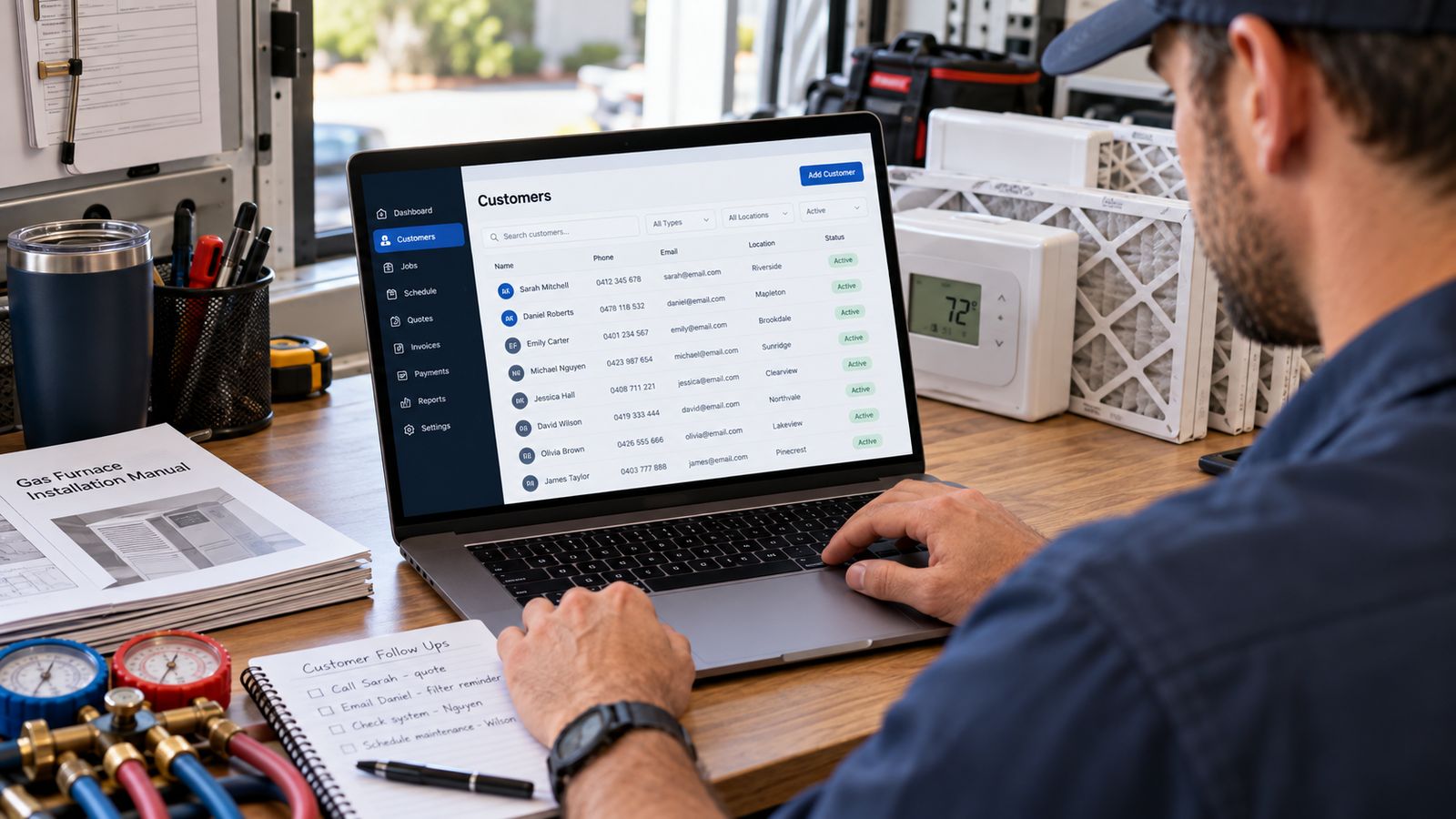
If your customer records are currently a spreadsheet, a filing cabinet and one person's memory, the advice you will usually get is to buy a platform.
That is sometimes right and often premature. Structure beats software, and a contractor with a well-shaped spreadsheet is in better shape than one with an expensive system nobody fills in.
Here is the progression that works, and where to stop.
Step 1: Fix the shape, whatever holds it
Before any software decision, the structure has to change from a list to a chain.
Customer → Property → Equipment → Service history → Follow-up
One flat sheet of customers breaks the first time someone owns two buildings, and again the first time you want everything that has happened to one furnace.
Five linked tabs, each with an ID, each child carrying its parent's ID. That is the entire idea. The full structure with columns →
Do this even if you are about to buy software, because you will be importing into whatever you buy, and structure decided at import is structure you live with.
Step 2: Capture equipment on the next visit
The highest-value data you are missing is almost certainly equipment details, and the cheapest time to collect them is when a technician is already standing in front of the unit.
Make, model, serial, approximate install date, one-word condition, and a photograph of the nameplate. Ninety seconds.
Do not try to back-fill. Back-filling projects never finish. Within one maintenance season you will have captured the customers you actually see, which are the ones that matter. How →
Step 3: Give follow-up an owner and a date
One change, large effect: every follow-up gets a named person and a due date, and overdue ones are looked at every morning.
That is a process, not a product. A shared sheet with task , customer , owner , due , status works. What does not work is "we should call them back", which is a feeling.
Add one field to your service records while you are here: recommended work that was declined, with the date. It is the cheapest source of future work you have.
Step 4: Move to a real database when the spreadsheet starts costing you
Not before. The signals, in rough order of seriousness:
Two people need the same record at once. The moment someone is working from a copy, you have two truths.
Someone sorted one column without the others. This silently destroys a spreadsheet and it is the most common way a contractor's database dies. If it has happened once, it will happen again.
Field staff cannot use it. If capture requires a laptop, capture happens from memory at the end of the day, or not at all.
You cannot answer a question you need answered. "Which customers have systems over fifteen years old with two or more repairs?" is a five-minute query in a database and an afternoon in a spreadsheet.
It has become slow or fragile. Usually somewhere past a few hundred customers with history attached.
If none of those apply, the spreadsheet is fine, and anyone telling you otherwise is selling something.
Step 5: Automate last
Once the data is trustworthy, and not before.
Estimate follow-up, maintenance reminders, review requests, replacement-opportunity flags. All worth having. All actively harmful running on bad data, because the wrong message reaches the wrong person with your name on it, and a customer who gets a maintenance reminder for a system you removed two years ago has learned something about how you keep records.
What to do this week
If you want one concrete action rather than a plan:
Add two columns to how you record visits. equipment_serial and recommended_declined .
Those two, filled in for six months, give you a serial-searchable history and a follow-up list built from work you have already sold once. Neither requires buying anything, and both survive into whatever system you eventually adopt.
When it is worth going further
The case for real software is not tidiness. It is the specific things structure alone cannot do:
- Finding a customer from a serial number while they are on the phone
- Surfacing overdue follow-up without anyone going to look
- Scoring replacement opportunities across the whole book every month
- Letting field staff capture equipment from a phone
- Reporting revenue by lead source rather than lead count
- Triggering follow-up automatically, with a human able to take over
See what those look like working → No signup. The same five-table structure described above, with the relationships navigable and a CSV importer that validates before it accepts.
And if you want to know what the relationship is worth before deciding how much to invest in keeping it:
Frequently asked questions
What is the first step to organising customer records?
Fix the shape before worrying about the tool. Customer, property, equipment, service and follow up kept separately will work in a spreadsheet and will survive a move to something better.
Do I have to enter all my history first?
No, and trying to is why most attempts fail. Capture equipment on the next visit to each property, and the book builds itself over a normal service cycle.
When should I move off a spreadsheet?
When more than one person needs it at once, when nothing surfaces without someone opening it, or when the field needs what is in it. Row count is not the signal.
When should I automate?
Last. Automating a process that is not yet defined produces reminders nobody trusts. Get the record right, give follow up an owner, then automate the parts that are genuinely repetitive.
What should I do this week?
Pick the shape, start capturing equipment on visits, and give follow up one owner and a date. Those three cost nothing and remove most of the pain.
Related
- HVAC Customer Database: What to Store →
- HVAC CRM Features for Small Companies →
- HVAC Customer Management →
- HVAC CRM Software: the complete guide →
Want help making the jump without losing fifteen years of history in the migration? Talk to BDEVY →
Customer records HVAC hvac customer database hvac software for small business hvac crm