In this post
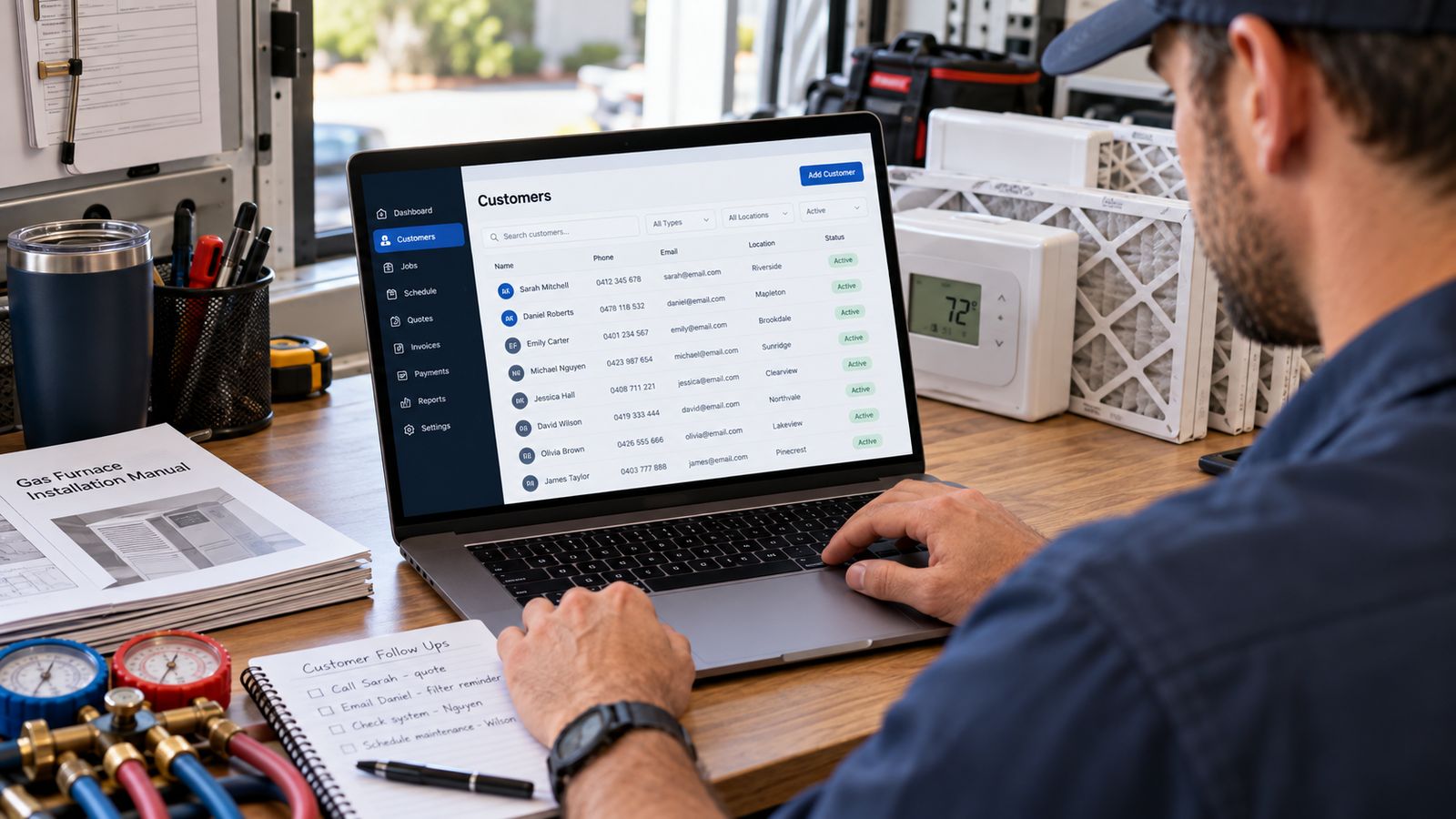
Before software, structure. Most HVAC customer databases fail because of how they are shaped, not what tool holds them, and a badly shaped spreadsheet becomes a badly shaped CRM the moment someone imports it.
The mistake: one row per customer
The natural first attempt is a single sheet: name, phone, address, last service, notes.
It breaks at the first landlord. Two properties means either two rows for one person (and now the relationship is invisible) or one row with both addresses jammed into a field nobody can filter.
It breaks again at the first customer with two systems. And again the first time you want "everything that has happened to this furnace", because visits are recorded against the row, not the machine.
The shape that works: five tables
CUSTOMERS      one row per person or company
    ↓
PROPERTIES     one row per building; a customer may have several
    ↓
EQUIPMENT      one row per system; a property may have several
    ↓
SERVICE        one row per visit, linked to the equipment it touched
    ↓
FOLLOW-UP      one row per task, with an owner and a due date
Each table has an ID. Each child table carries its parent's ID. That is the whole idea, and it is what turns a list into a database.
Table 1: Customers
| Column | Example | Notes |
|---|---|---|
customer_id | C1 | Never reuse, never change |
name | John Smith | |
company | Blank for residential | |
type | residential | residential / commercial |
phone | (555) 0197-4410 | One format, consistently |
email | john.smith@example.com | |
billing_address | 812 Larkspur Ln… | Where the invoice goes |
status | active | new / active / inactive / lost |
lead_source | Pick from a fixed list | |
owner | Alicia Moreno | Who is responsible |
created | 2018-03-14 | |
notes | Prefers mornings. Gate code 4417. |
Fixed lists matter. Let people type the lead source freely and within a year you have Google, google, Google Ads, GOOGLE and "web". None of them aggregate.
Table 2: Properties
| Column | Example |
|---|---|
property_id | P1 |
customer_id | C1 |
name | Home / Rental: oak Avenue |
address | 812 Larkspur Ln, Fairmont Valley, CO |
type | single-family / rental / office / medical |
access_notes | Gate code 4417, dog in back yard |
Table 3: Equipment
| Column | Example |
|---|---|
equipment_id | E1 |
property_id | P1 |
type | Central AC |
manufacturer | Carrier |
model | 24ABC636A003 |
serial | CA-4471902 |
installed | 2011-05 |
capacity | 3 ton |
fuel | Electric |
efficiency | 13 SEER |
warranty_ends | 2021-05-14 |
condition | poor |
notes | Coil heavily soiled; clean declined Sept |
Table 4: Service
| Column | Example |
|---|---|
service_id | SV1 |
customer_id | C1 |
property_id | P1 |
equipment_id | E1 |
date | 2026-07-31 |
technician | Mike Johnson |
type | AC Repair |
problem | Running but blowing warm |
diagnosis | Dual run capacitor failed, 5 µF vs 45+5 |
performed | Replaced capacitor, verified amps and split |
parts | 1× capacitor 45+5 µF @ $86.50 |
labour_hours | 1.5 |
cost | 142.10 |
charged | 304.00 |
declined | Coil clean, $189 |
That declined column is the highest-value column in the whole database relative to the effort of filling it in.
Table 5: Follow-up
| Column | Example |
|---|---|
task_id | K1 |
customer_id | C1 |
title | Follow up on the AC replacement estimate |
due | 2026-09-09 |
owner | Alicia Moreno |
priority | high |
status | open |
notes | Viewed twice, no reply. Expires in 8 days. |
Doing this in a spreadsheet
It works, to a point, and it is a legitimate place to start.
Five tabs, one per table. Use the ID columns to link them. VLOOKUP or XLOOKUP will pull a customer name onto the service sheet. Data validation gives you the fixed lists. Conditional formatting highlights overdue follow-ups.
What you will not get: two people editing safely at once, anything usable from a phone in a driveway, automatic follow-up, or protection against someone sorting one column and not the others, which silently destroys the whole file and is the most common way a contractor's spreadsheet database dies.
Start there if you need to. Know what it cannot do.
How to make the progression without over-engineering →
Rules that keep it clean
IDs are permanent. Never reuse, never renumber.
One format per field. Dates as YYYY-MM-DD . Phone numbers one way. It matters when you eventually import.
Fixed lists for anything you will report on. Status, type, lead source, service type, condition.
Deduplicate before importing, not after. The same customer under three spellings becomes three records forever once they are in.
Approximate beats blank. "About 2011" is far more useful than an empty install date.
One field, one fact. Never "two properties" in an address field.
See this structure as working software → The same five tables, with the relationships navigable, and a CSV importer that validates every row before it accepts it.
Frequently asked questions
What is wrong with one row per customer?
It cannot represent reality. A customer can own two properties, a property can hold three units, and a unit can have ten years of service. Flattening all of that into a row means overwriting something every time anything changes.
What tables does an HVAC customer database need?
Five: customers, properties, equipment, service and follow up. Separating them lets one customer hold several properties, one property hold several units, and each unit carry its own history.
Why separate the customer from the property?
Because the equipment belongs to the address, not the person. When the house sells, the history should stay with the house, and the new owner becomes a new customer against the same equipment.
Can I build this in a spreadsheet?
Yes, using one tab per table and a reference column joining them. It is more work to read than a real database but it holds the right shape, which is what matters when you eventually move.
What is the follow up table for?
Recording what was recommended and not done, so it can resurface. Declined work that is never written down is the single largest source of lost revenue in most service books.
Related
- HVAC CRM Software: the complete guide →
- What Should an HVAC CRM Track? →
- Organising Records Without a Complicated System →
Want your existing records migrated, deduplicated and structured properly? That is usually the hard part. Talk to BDEVY →
Customer records HVAC hvac customer management software hvac crm software hvac business software