In this post
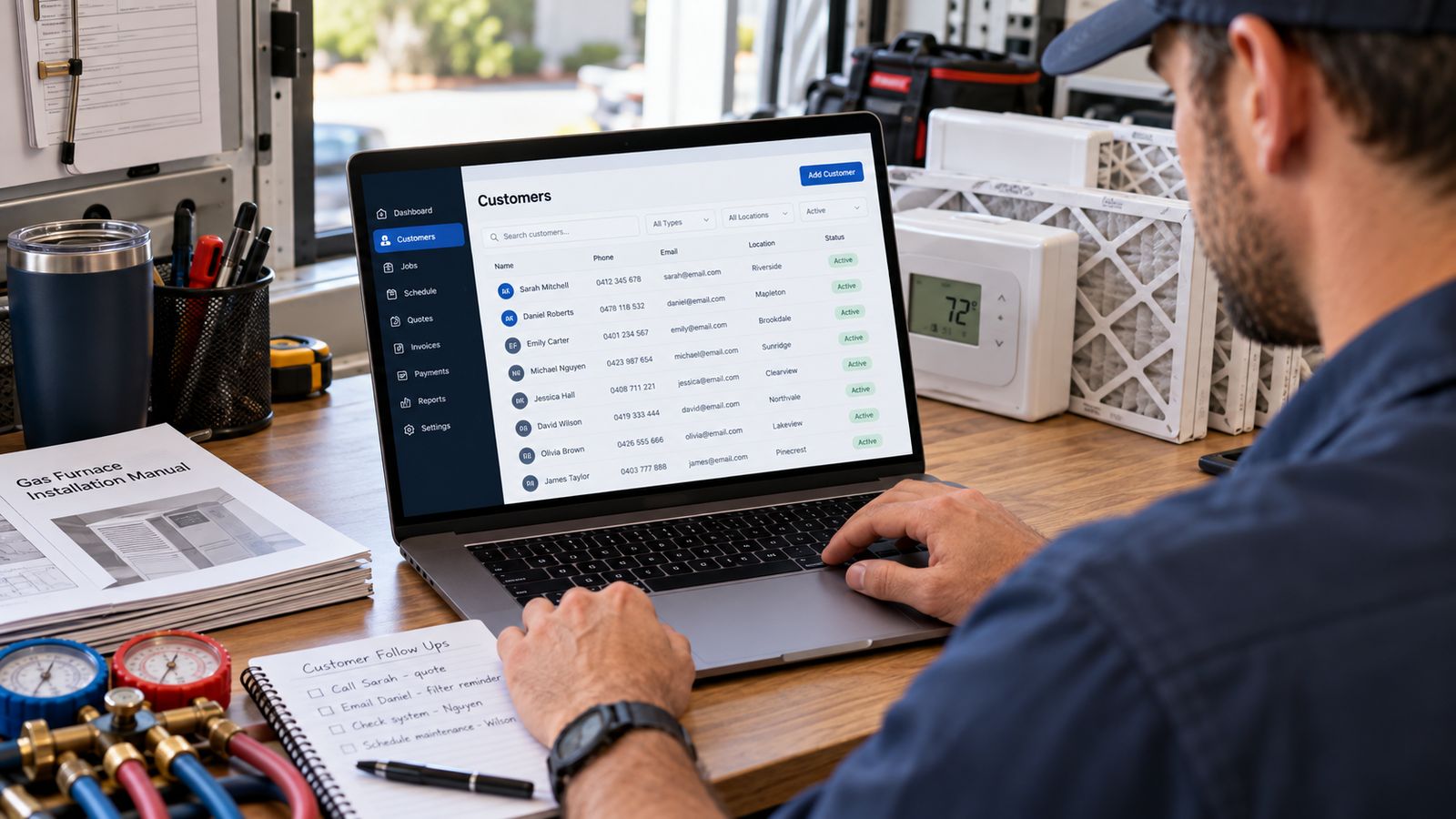
Every field on a customer record costs someone time to fill in. So the test for each one is simple: what question does this answer, and what does it cost when nobody can answer it?
Fifteen that pass the test.
The customer
1. Lead source
Where they came from: google, LSA, Facebook, referral, Angi, the website, an existing customer.
Answers: which marketing produces revenue rather than calls.
Without it you can count leads per channel but never revenue per channel, and those rank differently often enough to change where you spend. It has to be captured at creation; nobody back-fills it accurately.
2. Customer status
New, active, inactive, lost.
Answers: who is worth contacting, and who has quietly gone.
The value is the inactive list. A customer who has not been seen in two years has not told you they left. They just stopped calling, and nobody noticed because nothing surfaces them.
3. An owner inside your company
One named person responsible for the relationship.
Answers: who is chasing this.
Follow-up that belongs to everyone belongs to nobody.
4. Residential or commercial
Answers: how to talk to them, and which reports they belong in. Commercial work has different cycles, different decision-makers and different margins. Mixing them into one average tells you nothing about either.
The property
5. Multiple properties per customer
Not one address per customer.
Answers: which building are we talking about.
A landlord with four rentals is one relationship and four properties. Force that into a contact record with one address and you get four half-customers, no visible relationship, and a technician sent to the wrong building.
6. Separate billing and service addresses
Answers: where the work is against where the invoice goes.
Rentals, estates, property managers and commercial tenants all need this, and getting it wrong means invoicing the wrong party.
7. Access notes
Gate codes, dogs, parking, who has to be home, roof key at the front desk, no work during clinic hours.
Answers: why the technician is standing at a locked gate.
Cheap to record, expensive to miss, a failed visit costs a full truck roll.
The equipment
8. Equipment attached to the property
Not to the customer.
Answers: which system, at which building.
This is the structural decision that makes everything downstream work. Attach equipment to a customer and the landlord's four furnaces become an undifferentiated list.
9. Make, model and serial number
Answers: what parts to bring, what the warranty covers, whether there is a recall.
The serial matters most, because it is the search a technician standing at a nameplate can actually perform. If your system cannot find a customer from a serial number, it is missing the lookup your field staff need most.
10. Installation date
Answers: how old it is, which drives warranty, replacement conversations and whether a repair is worth doing.
Even an approximate year is worth far more than a blank field.
11. Warranty expiry
Answers: is the next repair billable in full.
Also protects you: manufacturer parts warranties frequently require registration within a window, and a customer who was never told is a customer who blames you in year six.
12. Condition, updated by technicians
A one-word assessment each visit: good, fair, poor, failing.
Answers: what someone who actually saw it thought.
This is the input no calculation can replace, and it takes a technician three seconds.
The history
13. Diagnosis kept separate from work performed
Two fields, not one.
Answers: why, not just what.
"Replaced capacitor" is work performed. It teaches the next technician nothing and shows the customer nothing. The diagnosis: dual run capacitor failed, 5 µF on the herm side against a 45+5 rating, compressor and fan both test within spec, is the part that has value later.
What belongs on a work order →
14. Recommended work that was declined
With a date.
Answers: what to call about, and what you warned them of.
This is the field almost nobody has and the one with the clearest payback. It is simultaneously your cleanest source of future work (a list of people who already heard the recommendation) and your protection if the thing you flagged later fails.
The next action
15. A follow-up task with an owner and a due date
Answers: what happens next, and who is doing it.
"We should call them back" is not a system. A task with a name and a date is. And overdue follow-ups need to be visible without anyone going looking, on the dashboard, in front of whoever opens the CRM in the morning.
The checklist
Take this into a software demo and ask them to show you each one on screen.
- Lead source, captured at creation, reportable against revenue
- Customer status, including a usable inactive list
- A named owner on every customer
- Residential and commercial separated in reporting
- Multiple properties per customer, natively
- Separate billing and service addresses
- Access notes on the property, visible before a visit
- Equipment attached to a property
- Make, model and serial, with serial search
- Installation date
- Warranty expiry, flagged when passed
- Condition, updatable by technicians in the field
- Diagnosis stored separately from work performed
- Recommended-and-declined work, dated
- Follow-up tasks with an owner, a due date and overdue visibility
If a vendor cannot show you nine, ten and fourteen, they are selling a contact database with an HVAC logo on it.
See all fifteen in a working record → Open John Smith, two properties, four systems, fifteen years of history, and a replacement signal with its workings shown.
Frequently asked questions
What should an HVAC CRM track about the customer?
Lead source, customer status, an owner inside your company, and whether they are residential or commercial. Each one changes how the customer should be handled and none of them can be reconstructed later.
Why track lead source?
Because it is the only way to know which marketing produced work rather than activity. Captured at the first contact or not at all, since nobody remembers accurately afterwards.
Why does a customer need an owner inside my company?
So that follow up has a name against it. Anything owned by everyone is followed up by nobody, which is the most common reason quotes go cold.
Should billing and service addresses be separate?
Yes. Landlords, property managers and commercial customers routinely differ, and a record with one address field forces a choice that will be wrong for one of them.
What should I take into a software demo?
A list of the fields you actually need and a request to see each one entered and then found again. Demos show what a product does well; your list shows whether it does what you need.
Related
- HVAC CRM Software: the complete guide →
- How to Track HVAC Equipment History →
- HVAC Customer Database: What to Store →
Want a customer record shaped around the fields your company actually uses? Talk to BDEVY →
Customer records HVAC hvac crm software hvac customer records crm for hvac companies