In this post
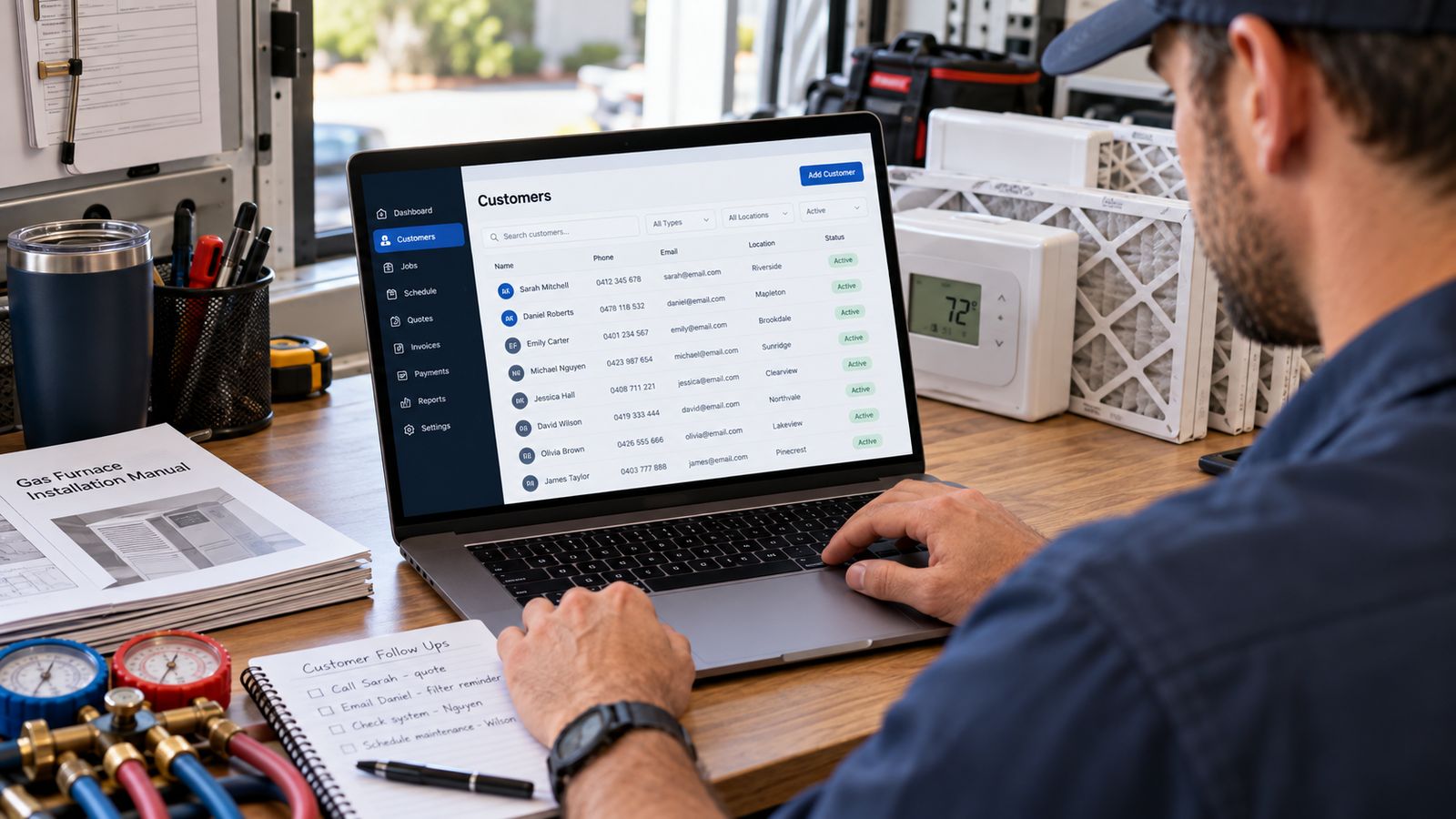
Software built for a hundred-truck operation carries a hundred-truck operation's assumptions: a dispatcher whose only job is dispatching, an office administrator maintaining data, a training budget, someone to own the implementation.
At two to eight trucks none of that exists. The owner is on a roof. The office is one person also answering the phone. Nobody has time to maintain a system that needs maintaining.
So the features that matter are different, not fewer, different.
What actually matters at this size
1. It works without anyone maintaining it
The single most important property. If the system needs weekly tidying to stay useful, it will not get tidied, and within three months it will be stale enough that people stop trusting it, and a system nobody trusts is worse than no system, because now there are two sources of truth.
Test: what happens if nobody touches the admin side for a month?
2. It is usable from a phone in a driveway
Your field staff are the people generating the most valuable data (equipment details, condition, what was recommended and declined) and they are never at a desk.
If capture requires a laptop, it will happen at the end of the day from memory, or not at all.
Test: can a technician add an equipment record standing in front of the unit, on a phone, in the sun, in under two minutes?
3. Equipment history
The reason a generic CRM is not enough. Make, model, serial, install date, warranty, condition, and every visit against the specific unit.
At a small size this matters more, not less, because you do not have depth of staff to compensate. One person who knows all the systems is one person away from losing all the systems.
Test: search a serial number and see whether it finds anything.
4. Follow-up that surfaces itself
Not a task list you have to go and look at. Overdue items in front of whoever opens the system, on the first screen.
At this size follow-up is the difference between a full week and a quiet one, and it is the first thing to be dropped when everyone is busy, which is exactly when it matters most.
Test: open the dashboard. Are overdue follow-ups visible without clicking?
5. Fast search
Name, phone, address, model, serial. Someone is on the phone and the answer needs to be immediate.
Test: time it while someone is talking to you.
6. Import that validates
You are coming from spreadsheets or another system. An importer that accepts anything gives you a mess that is now permanent. One that checks for missing fields, unknown values and duplicates before committing saves months.
Test: feed it a deliberately dirty file and see what it says.
What matters less than the sales demo suggests
Elaborate reporting. At eight trucks the owner knows the business. Two or three numbers reviewed monthly beat a dashboard suite nobody opens.
Deep configurability. Every configuration option is a decision someone has to make and maintain. Sensible defaults beat flexibility you have no time to use.
Full-platform replacement. If you already run something your technicians use, replacing it is a large, disruptive project. Adding the layer you are missing is usually cheaper, faster and less risky.
Marketing automation suites. Estimate follow-up and maintenance reminders are worth automating. Campaign builders and lead scoring are solving a problem you do not have yet.
AI features. Ask what it actually does. Much of what is labelled AI in this category is a weighted sum you could describe in a sentence, which is fine, and would be more credible described honestly.
Judging the cost
Not against zero: against what it replaces.
The honest comparison:
| What it replaces | Rough value |
|---|---|
| Warranty claims currently abandoned | The parts and labour, a few times a year |
| Second truck rolls for the wrong part | A technician-hour plus drive, per occurrence |
| One replacement opportunity found per quarter | A five-figure job |
| Estimates that currently go quiet | Whatever proportion you could close |
| Customers lapsing unnoticed | The remaining lifetime value of each |
Put a number on that last one →
Most of the value sits in the third and fifth rows, and both depend entirely on whether the data gets captured, which is why "will people actually use it" outranks every feature comparison.
Growing into it
A sensible progression, and there is no shame in stopping at any step:
Structured spreadsheet. Five linked tabs, not one flat list. Works genuinely well below a couple of hundred customers. The structure →
A real customer database. Multi-user, mobile, searchable. The step that matters when more than two people need the same record, or when the spreadsheet has been corrupted by a bad sort once too often.
Add follow-up automation. Once the data is trustworthy. Automation on bad data sends the wrong message to the wrong person, which is worse than sending nothing.
Integrate with what you run. Field service platform, accounting, phone system, so a closed job writes back and nothing is retyped.
The failure mode is jumping to step four with step one's data quality.
Questions worth asking a vendor
- Show me a customer with three properties and six systems.
- Search a serial number, in front of me.
- Show me the mobile view a technician would use.
- What happens if nobody maintains this for a month?
- Import this deliberately messy file and show me what it says.
- Where do overdue follow-ups appear without me looking for them?
- Can this sit alongside what we already run, or do we have to move?
Number two and number seven do more filtering than any feature grid.
Try all seven on our demo → No signup, and every one of those is answerable in it.
Frequently asked questions
Which CRM features matter most at two to eight trucks?
That it works without anyone maintaining it, that it is usable from a phone in a driveway, that it holds equipment history, that follow up surfaces itself, that search is fast, and that import validates what you give it.
What features matter less than the sales demo suggests?
Anything that assumes a dedicated administrator, elaborate reporting nobody will read, and configuration depth you will set once and never revisit. At this size, maintenance cost is the hidden price.
Why does phone usability matter so much?
Because most of the data is created standing next to equipment rather than at a desk. A system that is only comfortable on a laptop will be updated later, from memory, or not at all.
What should I check about importing my existing data?
Whether it validates and tells you what failed. An import that silently drops rows leaves you with a system you cannot trust and no way to find what is missing.
How should I judge cost?
Against what it replaces, including the hours currently spent rekeying and the work lost to follow up that never happened. Comparing the subscription against zero is the wrong comparison.
Related
- HVAC CRM Software: the complete guide →
- HVAC Customer Database: What to Store →
- Organising Records Without a Complicated System →
Want something built to your size rather than scaled down from an enterprise product? Talk to BDEVY →
Customer records HVAC hvac crm software hvac software for contractors crm for hvac companies