In this post
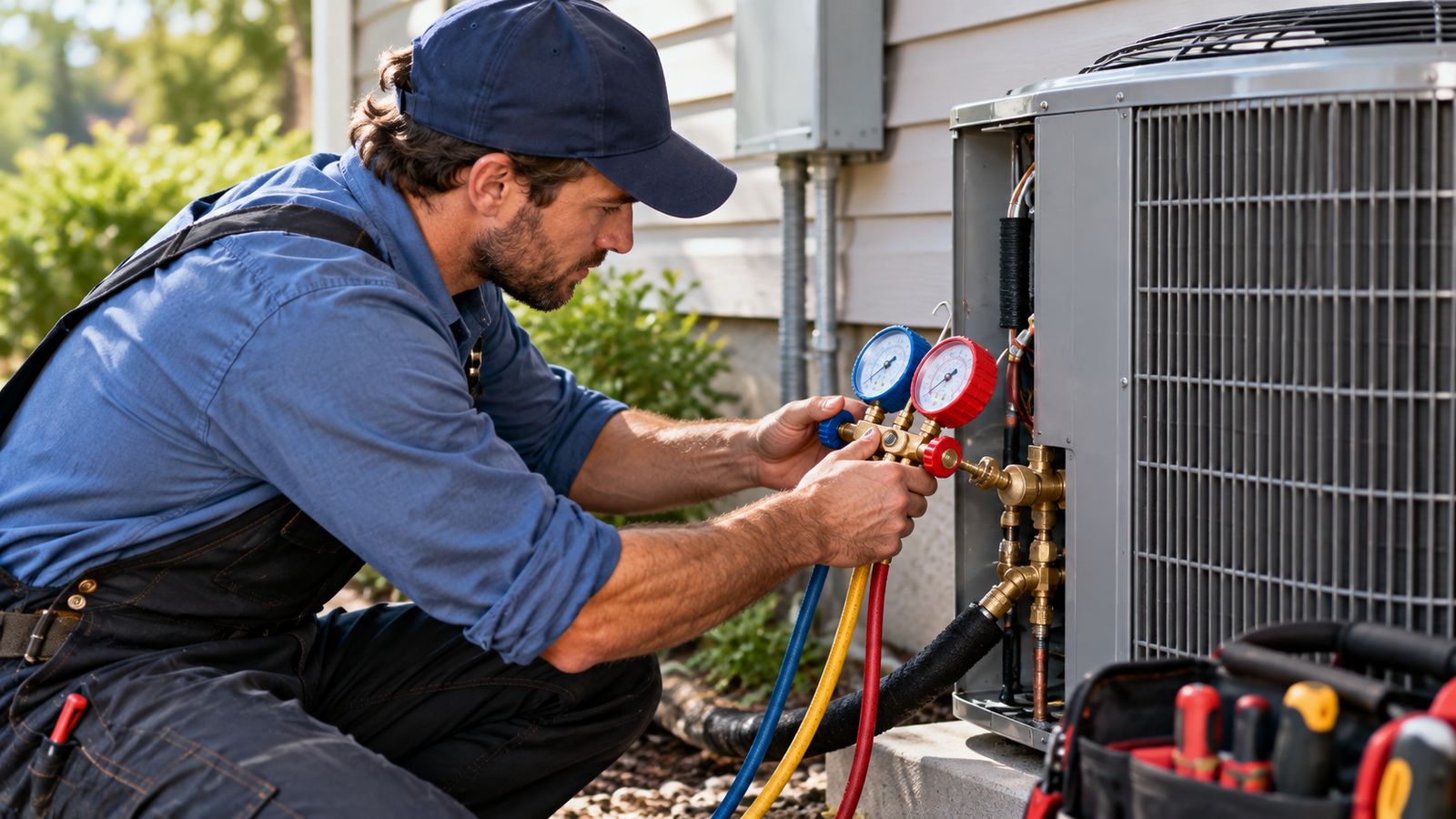
Most HVAC software conversations are about the office. Who is scheduled where, what was quoted, what was invoiced.
Field service software is about the ninety minutes in between: the part where a technician is standing in front of a condenser with a meter in one hand, and everything the company knows about that machine is in a filing cabinet eleven miles away.
That gap is expensive in a way that does not show up in any report. A technician who cannot see what was done to this system last year replaces a part that was replaced fourteen months ago. A maintenance visit gets documented as "serviced, all OK", which is worth nothing to the next person and nothing to the customer. A diagnosis gets written on a ticket, phoned to the office, and retyped into an invoice the following morning: the same fact captured three times, with three chances to lose it.
Try the BDEVY HVAC field service demo →: a technician's actual day on a phone: the queue, the equipment history, the readings, a 12-point checklist, parts, on-site approval and a signature. No signup.
What is HVAC field service software?
It is the software a technician uses while the work is happening.
Everything else in the stack surrounds it:
CRM            who the customer is, what they own
   ↓
Dispatch       who goes, when, and in what order
   ↓
FIELD SERVICE  what actually happens once they arrive
   ↓
Estimating     pricing the work that was found
   ↓
Invoicing      billing the work that was done
   ↓
Agreements     the visits that come back round
Field service is the execution layer. It is where information is created rather than looked up, which is why it is the layer most worth getting right, everything downstream is only as good as what came out of the van.
How it differs from the things it sits between
| Answers | Lives | |
|---|---|---|
| CRM | Who is this customer and what do they own? | The office |
| Dispatch | Who should go, and when? | The dispatcher's screen |
| Field service | What happened once they got there? | The technician's phone |
| Estimating | What should the further work cost? | Both |
| Invoicing | What do they owe, and did they pay? | The office |
Plenty of platforms cover several of these. The point of separating them is not to sell five products. It is that they fail differently. A company can have excellent dispatch and still have technicians writing diagnoses on the back of an envelope.
What does HVAC field service software do?
Puts the job in front of the technician before they knock
Customer, phone, address, contact preference, the reported problem, the office note about the dog in the back yard. And the system itself: make, model, serial number, install date, capacity, refrigerant, fuel, warranty status, where it physically is on the property.
That last one matters more than it sounds. A technician who knows the air handler is in the attic brings a ladder.
Holds equipment history against the serial number
Not against the customer. Against the machine.
A property with a furnace and an AC has two service histories, and "we serviced the HVAC in March" cannot tell you which. Attaching the record to a serial number is what makes a sentence like this possible:
This condenser had a capacitor in 2023, a condenser fan motor in 2024, and a refrigerant leak repaired eight months ago. It is nineteen years old.
That sentence is the entire replacement conversation, and it is unavailable to any company whose history is filed under the customer's name.
Structures the diagnosis without replacing the technician
A complaint, the readings taken, what was found, and what should happen next, in the same shape every time, from every technician.
This is where software should be careful. Recording a superheat value is useful. Deciding what that value means is not a database's job: it depends on the metering device, the charge method, the indoor wet bulb and the outdoor dry bulb, and the authority on all of it is the manufacturer's data and the person holding the gauges.
Software that presents itself as a diagnostic authority is both wrong and a liability. Software that makes sure the reading gets written down, in a field the next technician can find, is genuinely valuable.
Runs maintenance checklists that get finished
With four results per item, not two:
- Pass
- Needs attention
- Failed
- N/A
"Needs attention" is the option that earns its place. It is how a technician records the capacitor reading near the low end of tolerance, not a fault today, worth knowing next year. A pass/fail checklist throws that away, and it is exactly the information that turns into next season's repair.
Captures parts and labour once
On site, at the moment they are used. Not remembered that evening, not reconstructed from a supplier statement three weeks later.
If cost and price are both recorded, the job's margin is known the moment it closes. If only the price is recorded, it never will be.
Gets extra work approved before the technician leaves
Found work priced from the same parts list, shown to the customer, and either approved or declined on the spot.
A declined quote still belongs on the record. It is what makes the conversation possible at the next visit, and it is the number that tells you whether your pricing or your explanation is the problem.
Closes the job into everything downstream
Signature captured on the screen, then the invoice, the maintenance agreement offer and the customer's service report all built from what was already recorded.
The field service workflow
Customer calls
     ↓
CRM: customer and equipment record exists
     ↓
Dispatch: job created, assigned, scheduled
     ↓
FIELD SERVICE
     Accept → En route → Arrived
     ↓
     Equipment history reviewed
     ↓
     Readings recorded
     ↓
     Diagnosis and findings
     ↓
     ├── Maintenance? → checklist
     └── Repair? → parts and labour
     ↓
     Extra work found → quote → customer decision
     ↓
     Work performed, signature captured
     ↓
Invoice ──→ Agreement offer ──→ Review request
The two places this breaks in practice are both handovers. Dispatch to field, where the technician arrives knowing only the address and the complaint. And field to office, where a paper ticket becomes an invoice by being retyped.
What should a technician be able to do from their phone?
A practical checklist. If a technician has to phone the office to answer any of these, that call is the cost of not having this layer.
- See today's jobs, in order, with times
- Open the customer and get the address
- See the contact preference and any access note
- Read the equipment record, make, model, serial, age, warranty
- Read what was done to that system before
- Accept the job, start the route, mark arrival
- Record readings
- Write the diagnosis
- Complete a maintenance checklist with notes
- Add parts from the van
- Record labour hours
- Take photos of the nameplate and the fault
- Quote extra work at the right price
- Get a decision recorded
- Write what was done
- Capture a signature
- Close the job
Seventeen things. The ones most often missing are the fourth, fifth and thirteenth: the equipment record, the history, and the ability to price work without phoning someone.
HVAC work orders
A work order is the document that survives the visit. It should contain:
| Section | What goes in it |
|---|---|
| Identity | Work order number, date, technician |
| Customer | Name, phone, service address |
| Equipment | Type, make, model, serial, install date, location |
| Complaint | What the customer reported, in their words |
| Readings | What was measured, with units |
| Diagnosis | What was found, and the reading that proves it |
| Work performed | What was done and what was verified |
| Parts | Description, part number, quantity |
| Labour | Hours on site |
| Recommendations | What should happen next |
| Approval | What the customer agreed to, and what they declined |
| Signature | Who signed, and when |
The two most often missing are the serial number and the readings. Without the serial number the document cannot join a history. Without the readings the diagnosis is an assertion.
More on this in what should an HVAC work order include.
What to look for
Not every company needs every feature. This is a starting point for a conversation, not a scorecard.
| Feature | Worth having when |
|---|---|
| Mobile technician interface | Always: this is the whole category |
| Customer history | Always |
| Equipment history by serial | You do repeat service, which is nearly everyone |
| Work orders | Always |
| Diagnostic notes | Always |
| Maintenance checklists | You sell maintenance |
| Parts tracking | Technicians carry van stock |
| Labour tracking | You want to know job margins |
| Photos | You do warranty work or get disputes |
| On-site approval | Technicians find extra work, which they do |
| Signature capture | You have ever had a "I never agreed to that" |
| Estimate creation | You quote replacements from the field |
| Invoice hand-off | You are not already invoicing from the field |
| Agreement sign-up | You sell maintenance plans |
| Dispatch integration | You have more than about three technicians |
| CRM integration | Your customer records live somewhere already |
| Offline capability | Depends entirely on where your technicians work |
| Reporting | You want to manage rather than guess |
A word about "offline"
This one deserves scepticism, because it is the feature most often claimed and least often implemented properly.
There is a real difference between:
- The app keeps working with no signal: data already downloaded stays readable. Most modern web applications do this by default.
- Real offline synchronisation: work queues locally and syncs when the signal returns, with conflict resolution when two people changed the same record. This is genuine engineering, and it is the one that matters in a plant room or a crawl space.
Ask which one you are being sold. The BDEVY demo does the first and says plainly on its About page that it does not do the second, because a demo claiming otherwise would be a bad way to start a conversation about building the real thing.
Where the money actually leaks
Three places, in rough order of size.
Duplicated data entry. The same fact written on a ticket, read to the office, and retyped into an invoice. Worth measuring: HVAC field service efficiency calculator.
Callbacks. A second trip for the same fault costs the technician's time, the van, and the slot it consumed. Most callbacks are an information problem, not knowing what system you were going to, or not having the part. HVAC callback cost calculator.
Work that was found and never quoted. A technician who spots a failing contactor and has no way to price it on the spot mentions it, the customer says "send me something", and nothing is sent.
How this connects to the rest
Field service is worth considerably more when the systems around it already know about the job:
- HVAC CRM: the customer and equipment records the technician reads
- HVAC dispatch software: the jobs that arrive in the queue
- HVAC estimating software: pricing the work that was found
- HVAC invoicing software: billing what was done
- HVAC maintenance agreements: the visits that come back round
BDEVY builds across that chain rather than selling a seat in one product.
Frequently asked questions
What does field service software do that dispatch does not?
It runs the visit rather than the assignment. Putting the job in front of the technician, holding equipment history, structuring the diagnosis, running checklists, capturing parts and labour, and getting approval and signature on site.
Why does it need the equipment history?
Because the technician arriving needs to know what is installed and what was done last time. Sending someone to diagnose a unit with no history is paying twice for the same investigation.
Do checklists actually get completed?
Only if they are short enough to finish and built into the job rather than attached to it. A checklist that is a separate task competing with the work will be signed rather than done.
Does structuring the diagnosis replace the technician's judgement?
No, and software that tries will be ignored. The value is in capturing what was found consistently, so the record is comparable across visits and technicians.
Why capture parts and labour once?
Because every re entry is an opportunity to lose or change something. Captured on site and carried through to the invoice, the numbers stay the same as what actually happened.
Try it
The demo is a technician's working day: five jobs, one in progress on a nineteen-year-old system with a repair history, a maintenance visit with a twelve-point checklist, and a job parked waiting on a part.
Nothing is delivered, nothing is charged, and every customer, serial number and reading in it is invented.
Open the HVAC field service demo →
Field service HVAC hvac work order software hvac technician app hvac service software hvac business management software