In this post
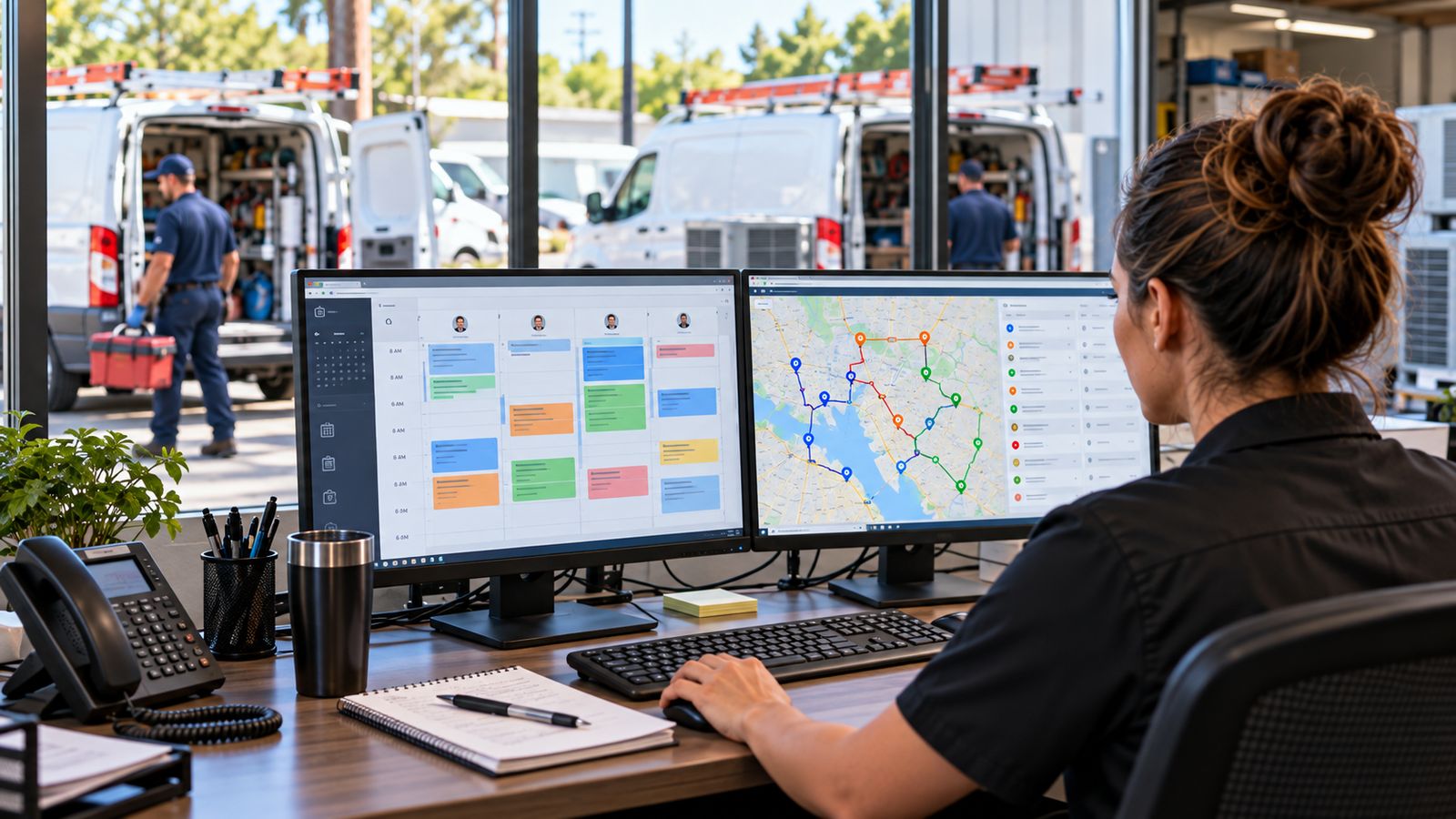
Dispatch: who goes where, and when.
Field service: what they do once they get there.
One ends where the other begins, and the seam between them is where most of the lost information in an HVAC business goes.
The two questions
| Dispatch | Field service | |
|---|---|---|
| Question | Who should take this job? | What is happening on this job? |
| Used by | The dispatcher | The technician |
| Screen | A board, a calendar, a map | A phone in one hand |
| Decisions | Assignment, sequencing, priority, rescheduling | Diagnosis, parts, pricing, completion |
| Optimises | The day across the team | The visit |
| Ends when | The technician is assigned and on the way | The customer signs |
The handover
DISPATCH                          FIELD SERVICE
────────                          ─────────────
Job created
Priority set
Technician assigned
Scheduled
        ──── handover ────→
                                  Accepted
                                  En route
                                  Arrived
                                  Diagnosed
                                  Work performed
                                  Approved and signed
        ←──── handover ────
Status updated
Next job
Two handovers, and both leak.
Dispatch → field. The technician receives an address, a time and a one-line complaint. Everything else (what system it is, how old, what was done before, whether they hold a maintenance agreement) either requires a phone call or simply does not happen.
Field → dispatch. The office finds out the job is running long when the technician is already late for the next one. The status board says "in progress" for three hours with no more detail than that.
What each system should own
Dispatch owns
- The job record and its number
- Priority and appointment window
- Which technician, and why
- Sequence and routing
- Rescheduling and cancellation
- The board everyone looks at
Field service owns
- The technician's queue on their phone
- Equipment records at the point of use
- Readings and diagnosis
- Maintenance checklists
- Parts and labour as they are used
- Photographs
- On-site quoting and the customer's decision
- Signature and completion
Both need to see
- Job status, live
- The customer and the address
- Estimated duration against actual
That middle list is the integration. When it is missing, a dispatcher's board is a guess and a technician's queue is a text message.
A worked example
An 11:00 no-cooling call.
Dispatch does its job well. The board shows the call unassigned. The recommendation ranks technicians on who holds the relevant skill, who is free, how far away they are and how full their day already is. Denis is 1.0 miles away with the skill and nothing booked until two. Assigned, customer notified.
That is a genuinely good outcome, and it is entirely about getting the right person to the door.
Then the van door opens, and dispatch has nothing more to offer.
What happens next is field service's problem:
- Which of the two systems at this property is the one that is not cooling?
- What is its serial number, and is it still under warranty?
- Has anyone been here for this before?
- What are the readings?
- What is the fault?
- Is the part on the van?
- What does the repair cost, and will they approve it?
- What did we actually do, and can they sign for it?
A company with dispatch and no field service layer answers all eight of those on paper.
The most common real-world setup
Dispatch in a platform, field service on paper.
It is extremely common and it makes sense historically, dispatch software solves a visible problem the owner experiences daily, and paper tickets "work". The cost of the paper is real but diffuse: a few minutes per job retyping, a detail lost here and there, an equipment history that never accumulates.
The place it becomes obvious is the replacement conversation. A contractor with three years of properly documented field work can say "this system has had four repairs and $2,400 spent on it since 2023". A contractor with three years of paper tickets in a filing cabinet cannot, and so does not.
Do you need both?
If you have more than about three technicians, you are already doing both: the only question is whether one of them is being done on paper.
Which to address first depends on which hurts:
Dispatch first if the schedule is the problem, emergencies wreck the day, technicians criss-cross the service area, nobody is sure who is free.
Field service first if the work is fine and the record of it is not: the office retypes everything, invoices go out days late, and nobody can tell you what was done to a given system last year.
Frequently asked questions
What is the difference between dispatch and field service software?
Dispatch answers who goes and when. Field service answers what happened while they were there. One ends when the technician arrives and the other begins.
Where does the handover happen?
At arrival, and that is where it usually breaks. If the job that dispatch assigned does not carry its context into the technician's hands, the technician arrives knowing the address and nothing else.
What should each system own?
Dispatch owns the schedule, the assignment and the customer notification. Field service owns the diagnosis, the work record, the parts, the approval and the signature. Both need to see the customer and the equipment.
What is the most common real world setup?
One product covering both, or a dispatch tool that hands off to a field app. Problems come from the seam rather than from either side, so ask how the handover works rather than how each half performs.
Can one product do both well?
Some do. The test is whether the technician's experience feels like an afterthought, which is where products built for the office tend to show their origins.
See both
- HVAC dispatch demo: the board, assignment with its reasoning shown, routing, notifications
- HVAC field service demo: the same work from the technician's phone
Opening them side by side is the clearest way to see where one ends and the other starts.
Further reading: HVAC dispatch software · HVAC field service software · field service vs CRM
Field service HVAC hvac dispatch software hvac field service software hvac job management software