In this post
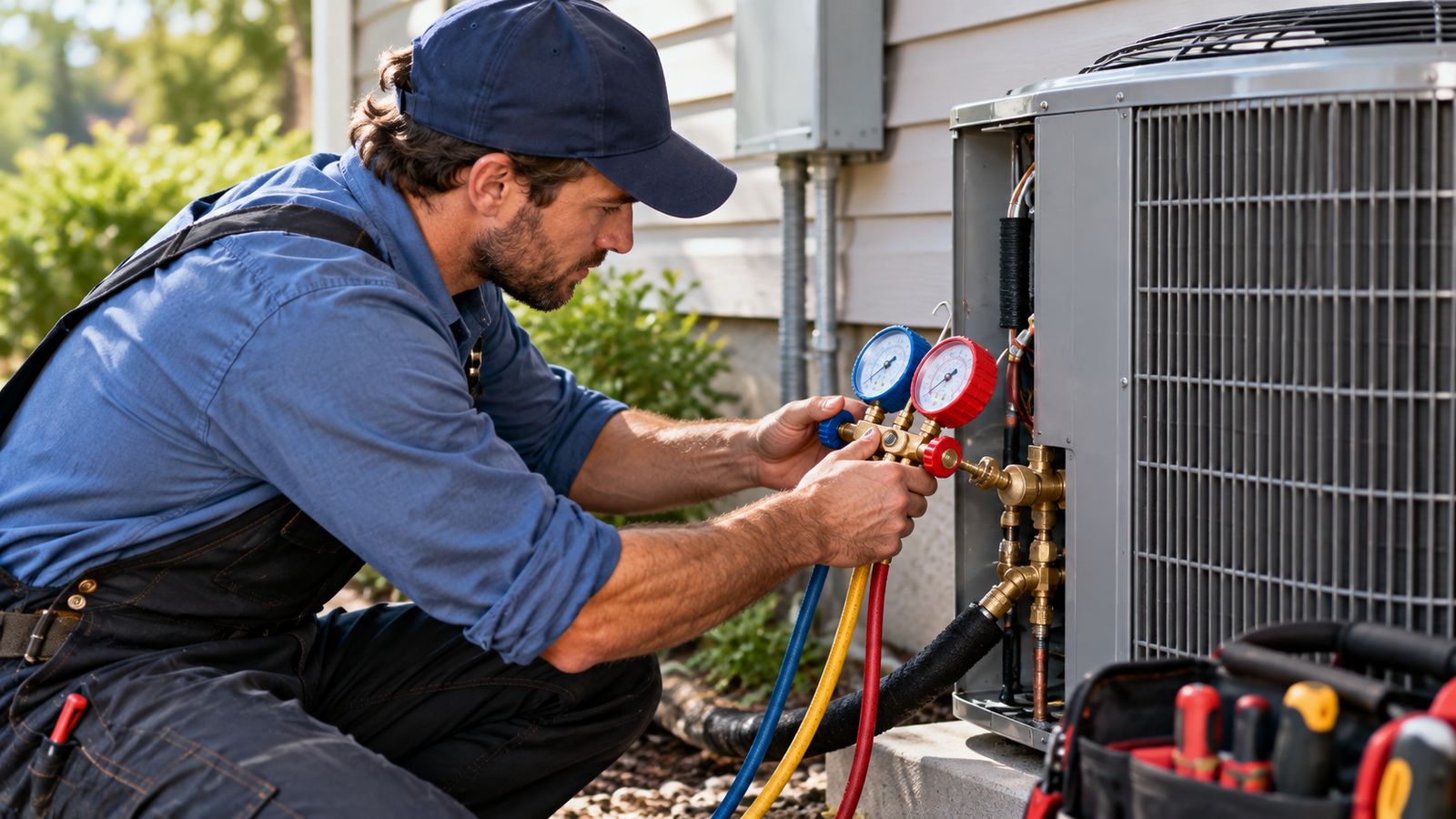
Field software fails in a predictable way. It is bought by an owner, demonstrated on a laptop, and then used (or not used) by someone standing in an attic in July with one hand free.
The features that decide the outcome are almost never the ones in the sales material.
The context the software is actually used in
Before any feature list, this is the environment:
- One hand. The other is holding a meter, a flashlight, or a panel.
- Bad light. Attics, crawl spaces, plant rooms, rooftops at midday.
- Gloves, sometimes. Or hands covered in whatever was inside the unit.
- Poor signal. Basements and plant rooms are where signal goes to die.
- Time pressure. There are three more jobs today.
- A customer watching. Fumbling with software in front of someone is a reason to stop using it.
Every interface decision below follows from that list.
What technicians actually need
1. To arrive already knowing
The single highest-value feature, and it requires no interaction at all. Before knocking:
- Which system, of the ones at this property
- Its age and whether it is under warranty
- What was done to it before, and by whom
- Whether the customer holds a maintenance agreement
- Any access note: the gate code, the dog, the elderly occupant
A technician with this information brings the right part and does not have to ask the customer questions the company should already know the answer to.
2. Very few taps to the thing they need
The realistic sequence on arrival is: open the app, see today, open the job, see the system. If that takes more than three taps, it will be replaced by a phone call to the office.
3. Large targets
Forty-four pixels is the usual minimum, and it is a minimum rather than a target. Anything a technician has to hit while holding something else should be bigger.
4. Almost no typing
This is the one most often got wrong. A technician will not type a paragraph on a phone screen with gloves on. They will type "replaced cap" and move on, and the documentation problem you bought the software to solve remains.
What works instead:
- Tap-to-select for anything with a fixed set of answers: findings, recommended action, checklist results
- Number pads for readings, not text fields
- Calculated fields for anything derivable, a temperature split should never be typed when the supply and return already are
- Photos instead of descriptions where a photo is genuinely better, which is most of the time for a nameplate
- Typing reserved for the diagnosis and the work performed, because those genuinely cannot be picked from a list
5. One obvious next action
At any moment there should be one primary button, full width, saying what happens next: Accept job. Start route. Arrived. Start work. Finish and close out.
Not a menu of six equally-weighted options. The technician is not browsing.
6. To keep working with no signal
Plant rooms, crawl spaces, rural properties. If the app stops at the door of a mechanical room, it will not be trusted anywhere.
Worth being precise about what "offline" means, because it is claimed more often than it is built:
| What it means | Difficulty | |
|---|---|---|
| Reads keep working | Data already loaded stays visible | Low: most web apps do this already |
| Writes queue locally | Changes saved on the device | Moderate |
| Sync on reconnect | Queued changes pushed when signal returns | Real work |
| Conflict resolution | Two people changed the same record | The hard part |
Ask a vendor which of those four they do. The BDEVY demo does the first two and says on its own About page that it does not do the last two, because claiming otherwise would be a poor start to a conversation about building the real thing.
7. To capture a signature without a separate device
A finger on the screen. Not a clipboard, not a separate signature pad, not "we'll email you something to sign".
8. To price work without phoning anyone
A technician who finds a failing contactor and cannot price its replacement on the spot will mention it, and the customer will say "send me something". Nothing gets sent. That is the most expensive missing feature in the category.
What gets ignored
Honest list, because building these first is how the budget gets spent on the wrong things.
Long forms. Twenty fields on a phone means twelve get filled in from memory that evening.
Free-text everywhere. See above. Every free-text field that could have been a set of options will be answered in two words.
Dashboards for the technician. They have four jobs today. They do not need a chart.
Chat. They will text or call. An in-app messaging feature is almost always dead weight.
Anything requiring a laptop. If completing a job properly needs a desktop later, it will happen later, or not at all.
Gamification. Leaderboards in field service software produce documentation written for the leaderboard.
Native app or web?
A fair question, and the honest answer is that it matters less than it used to.
A native app gets better camera integration, reliable background sync, push notifications and a home-screen presence. It also needs app-store distribution, updates that technicians have to accept, and two codebases if you support both platforms.
A modern web application installs to the home screen, opens the camera through a standard file input, works across every device without a store, and updates the moment you deploy. What it gives up is some of the background-sync reliability.
For most contractors the deciding factor is not the technology. It is whether the workflow inside it was designed for one hand in bad light. A beautifully-built native app with a twenty-field form will lose to a web page with four taps.
The BDEVY demo is a mobile-friendly web interface, not a native app, and describing it as anything else would be inaccurate.
The test
Give it to your least patient technician on their own phone, on a real job, with no training.
If they finish the job in the app without phoning the office, it works. If they take a photo of the paper ticket instead, it does not, and the reason will be one of the eight things above.
Try the technician interface →: open it on your phone. The bottom bar, the single primary action per screen and the tap-to-select fields are all doing the job described here.
Further reading: HVAC field service software · what an HVAC work order should include · reducing technician admin work
Frequently asked questions
What do technicians actually need in a field app?
To arrive already knowing the job, very few taps to what they need, large touch targets, almost no typing, one obvious next action, and for it to keep working with no signal.
Why does typing matter so much?
Because the app is used standing in a plant room, often in gloves, often in poor light. Anything requiring sustained typing gets postponed to the truck or the evening, which is where accuracy is lost.
Why is offline support essential rather than nice to have?
Because plant rooms, basements and roofs are where signal is worst. An app that loses a form when connectivity drops teaches technicians not to trust it, and that is unrecoverable.
What gets ignored in technician apps?
Anything built for the office: dense reporting, elaborate configuration, and screens that assume a keyboard. Features that look valuable in a demo are often the ones never opened in the field.
How do I know whether an app is actually being used?
Look at whether records are created on site or later in a batch. Batched entry at the end of the day is the clearest sign the app does not work where the work happens.
Field service HVAC hvac field service software hvac service software hvac software for contractors